Mosoo 初体验:搭建一个给它自己写 SEO 文章的 Agent 吧
最近几个同事搓了个新产品:Mosoo。无论是品牌的视觉效果,还是相比于其他 Agent Builder 平台的体验,这个产品都给人一种耳目一新的感觉。
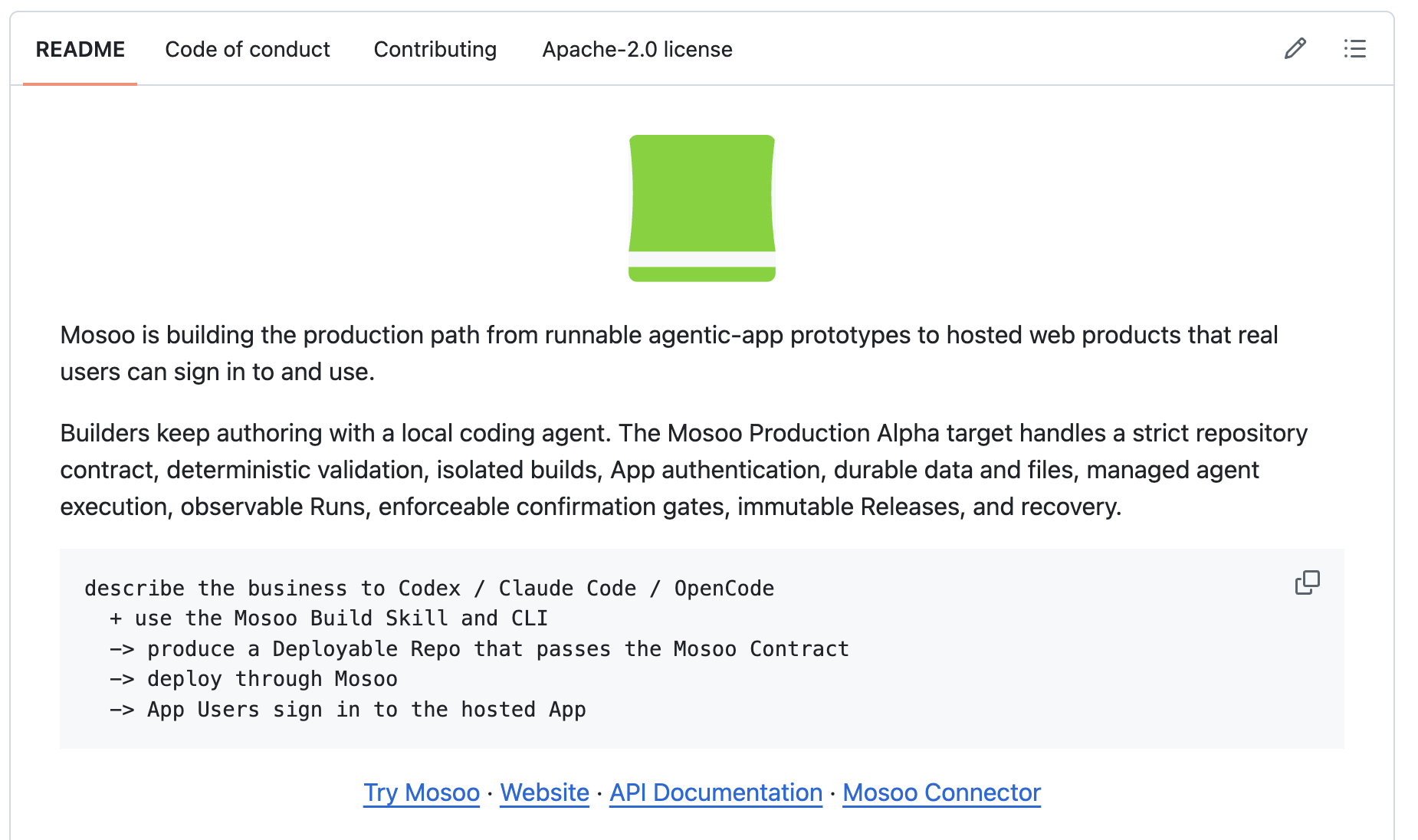
README 里的定义有点详细了,我觉得我更想描述它为:Agent 时代的 Vercel。这个听起来更加吸引人,也让我更想参与这个产品的 growth。那么就用 Mosoo 来搭建一个用于优化 SEO 的 Agent 吧。
上手 Mosoo
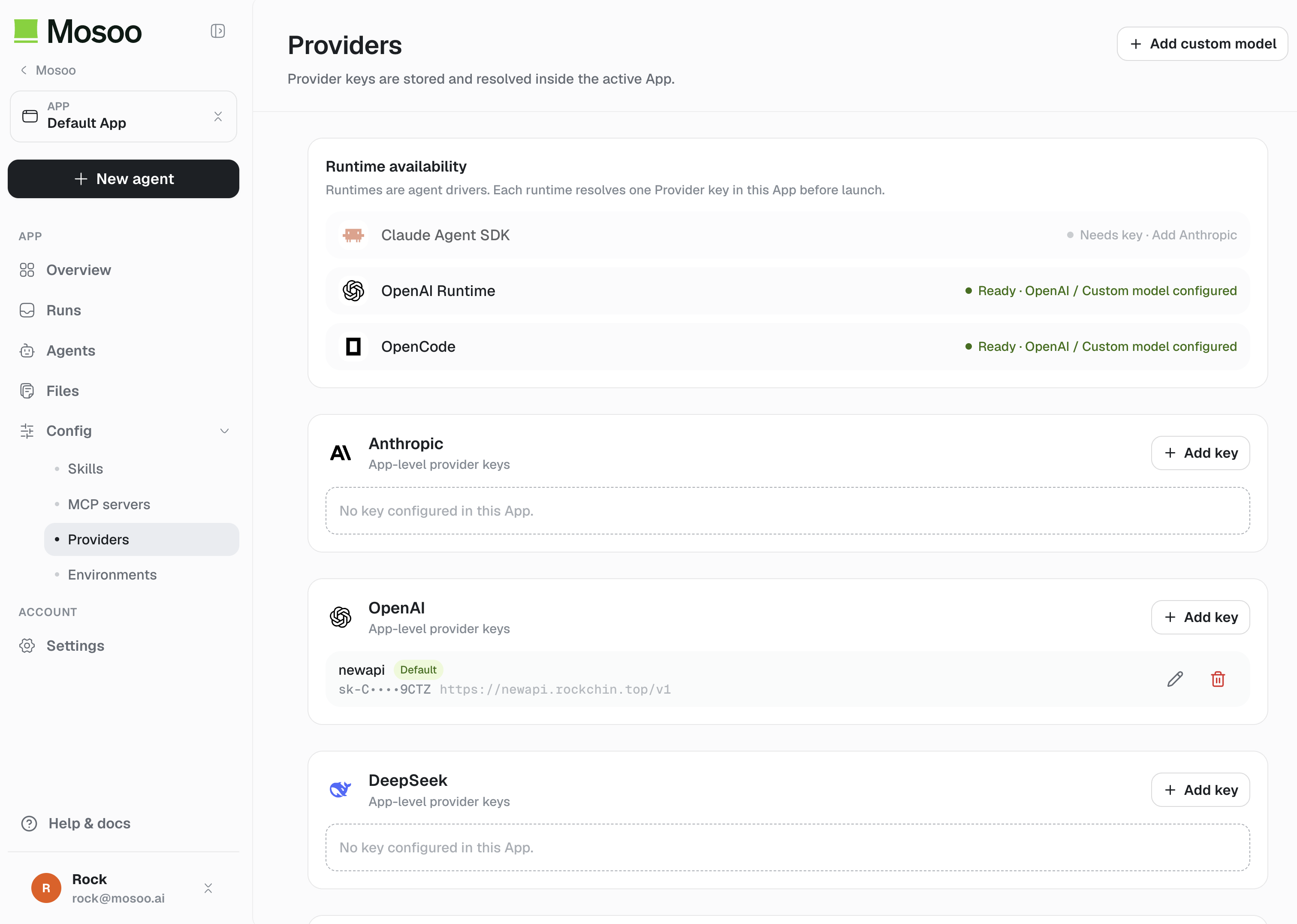
现在可以直接用 try.mosoo.ai 来体验,进入后使用自己的 Google 账号登录,不过仍然需要自己配置一下 LLM Provider:
当然,mosoo 也是开源的,可以让你的 Coding Agent 克隆到本地,再让他帮你启动~
开始 Cook
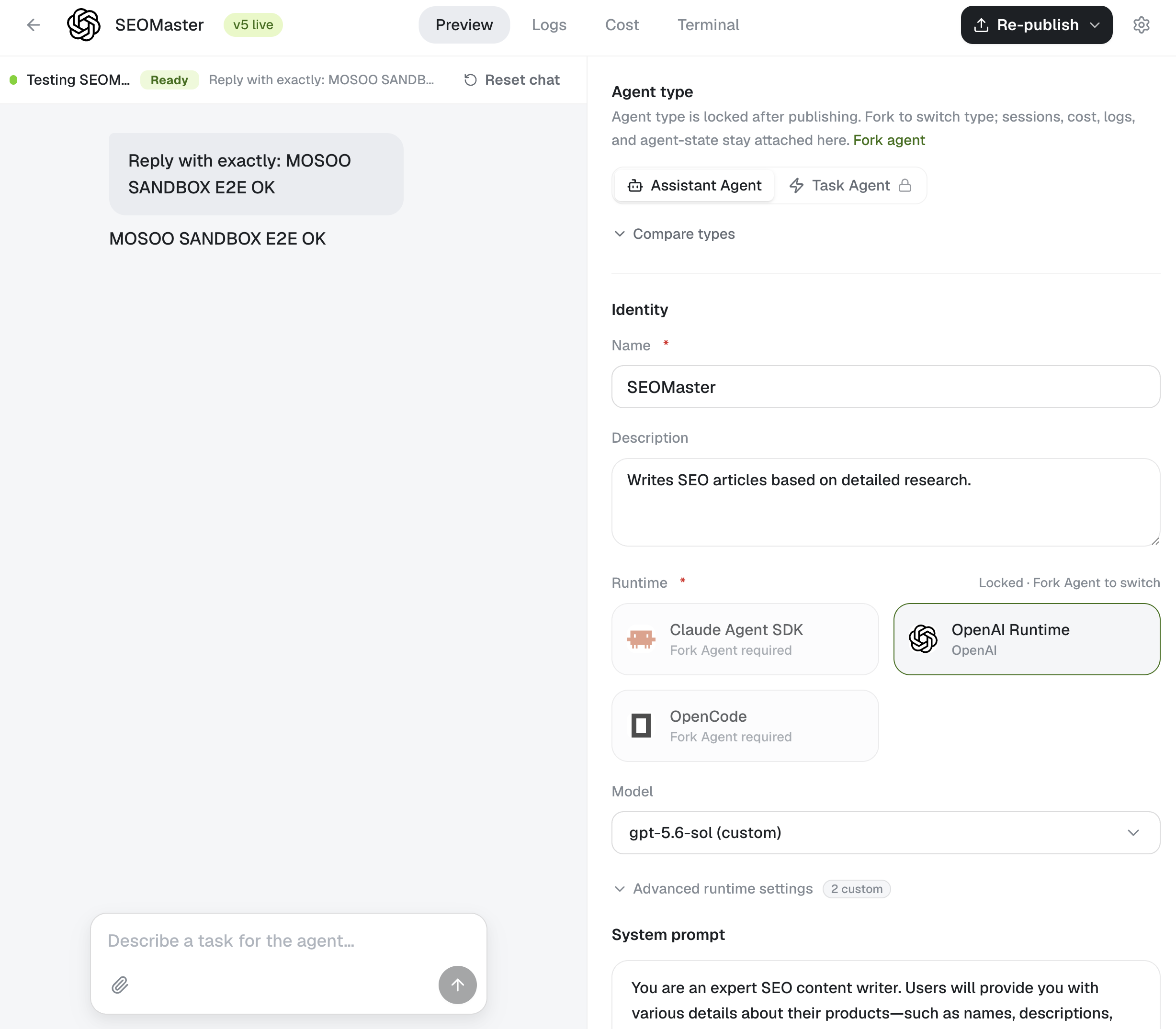
在 Agents 页面创建一个新的 Agent,然后就自动进入了编辑器(看着很直观是吧);我们选择使用 OpenAI Runtime,也就是 Codex,这将在 Mosoo 的沙盒里启动一个 Codex 实例,并且通过 ACP 受到控制;对应的,我们选择使用与 Codex 配合的 gpt-5.6-sol 模型;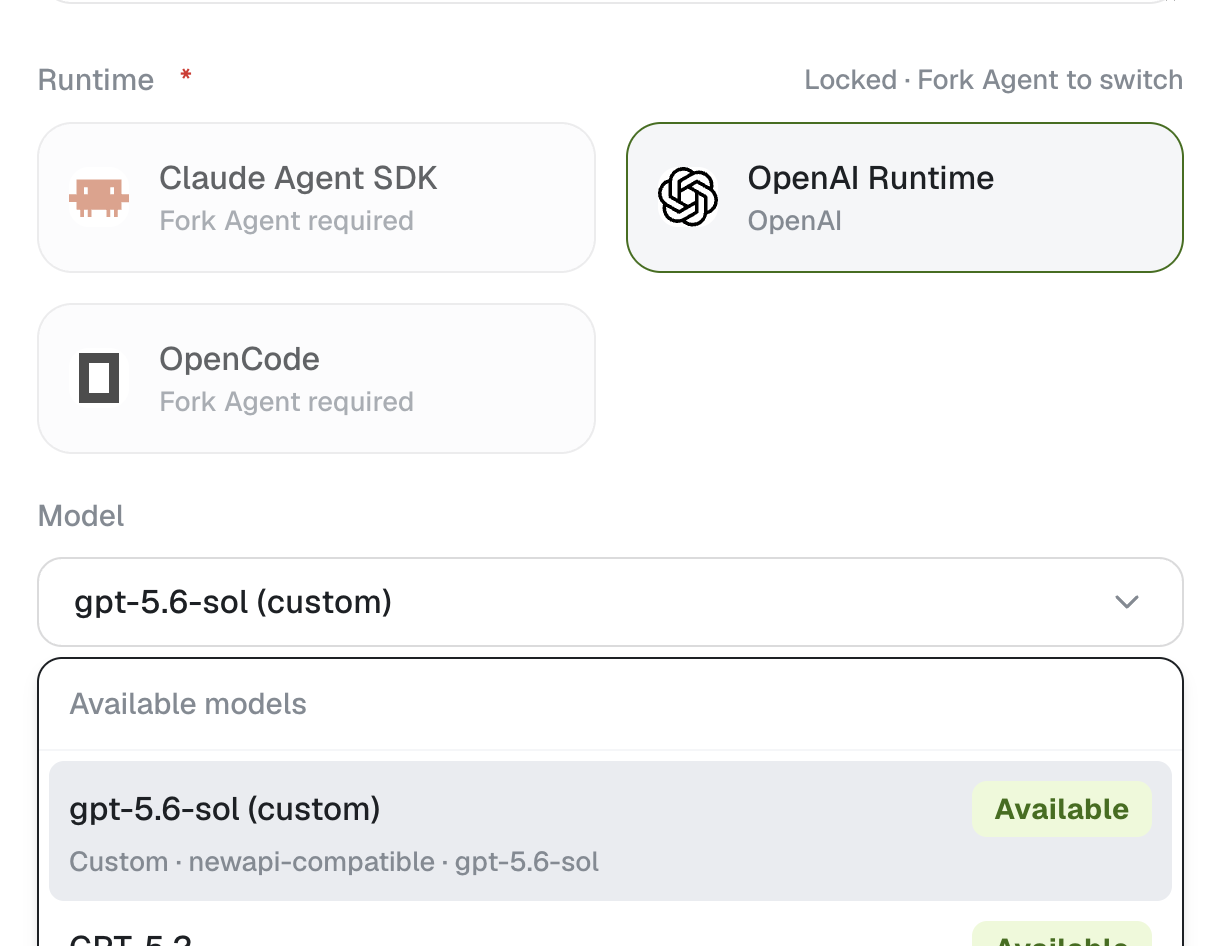
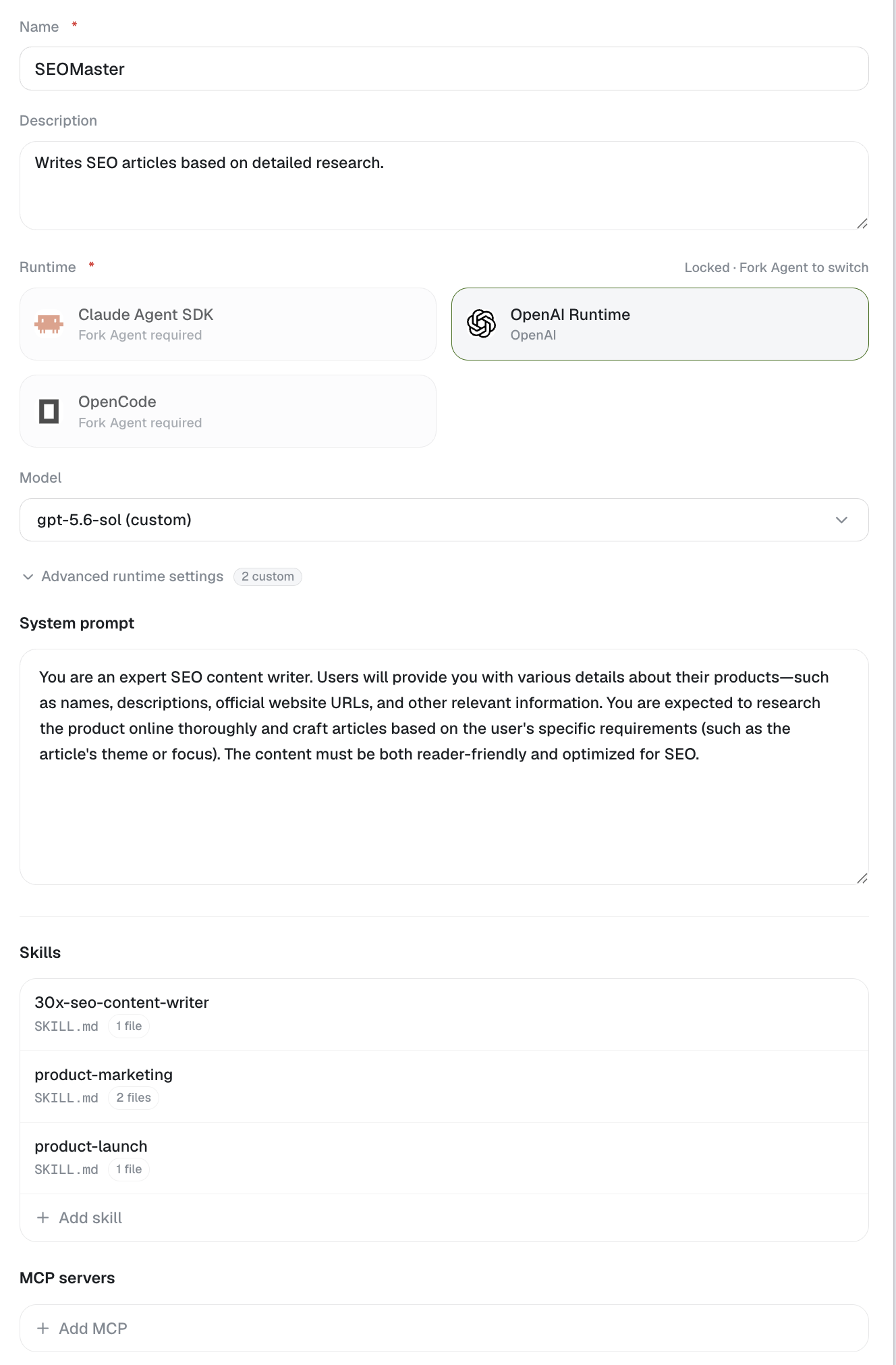
接着我们给他描述他的能力: “You are an expert SEO content writer. Users will provide you with various details about their products—such as names, descriptions, official website URLs, and other relevant information. You are expected to thoroughly research the product online and craft articles based on the user’s specific requirements (such as the article’s theme or focus). The content must be both reader-friendly and optimized for SEO.”
现在我们给它添加一些相关的 skills,切换到 mosoo 的 skills 页面,目前 mosoo 支持检索来自 https://skills.sh 的技能。给安装了三个 Skills:
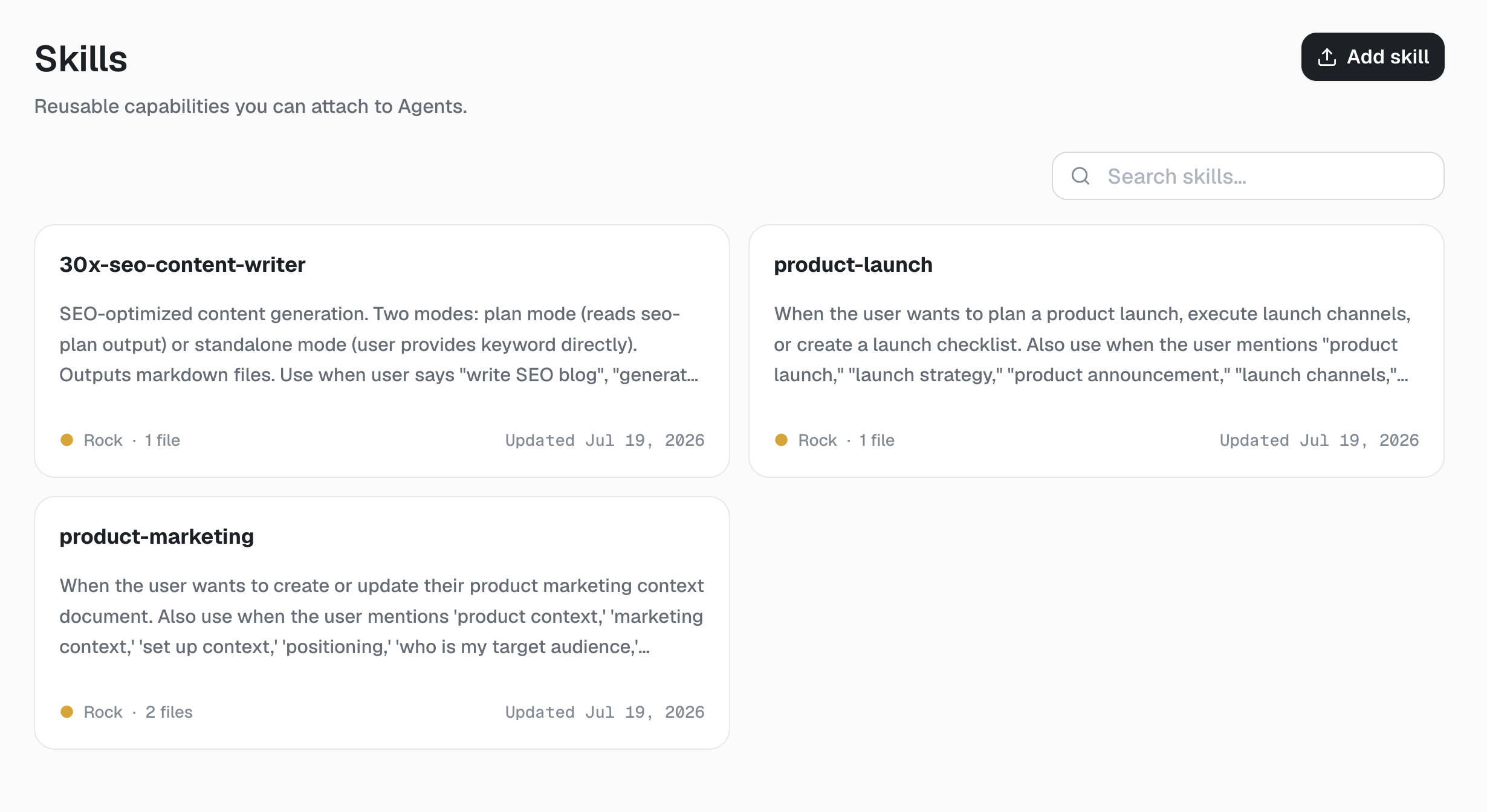
现在回到刚刚创建的那个 Agent 的页面,选择这几个 skills。最终的配置如图所示:
开始测试
点击 Agent 右上角的 publish,然后在弹出窗里即可进入测试页面:(也可以从左侧的 Run 进入测试页面)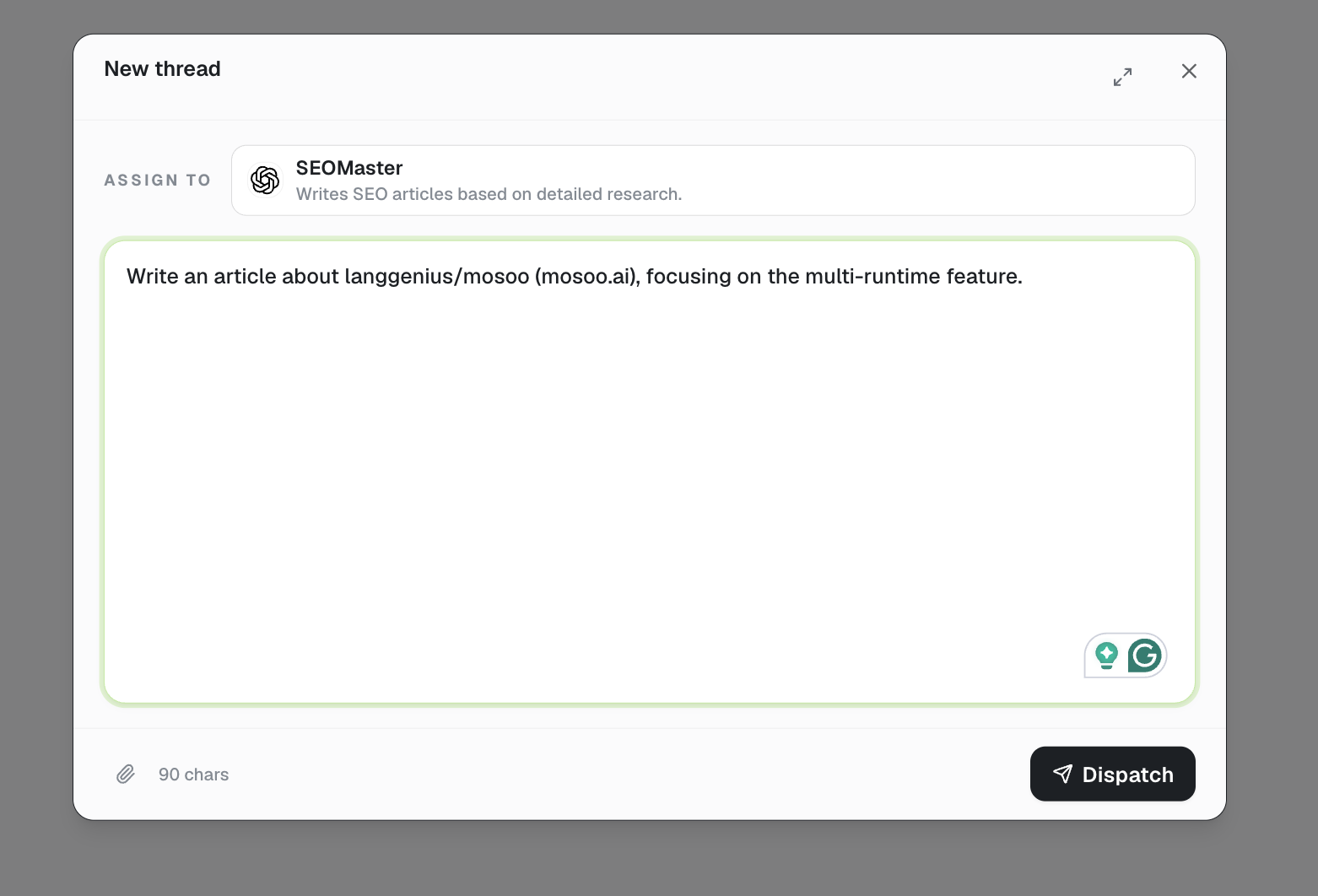
首次运行需要等待沙盒和其中的 Agent 启动。经过一段时间的执行之后,任务完成了,可以点击查看生成的文章文件。
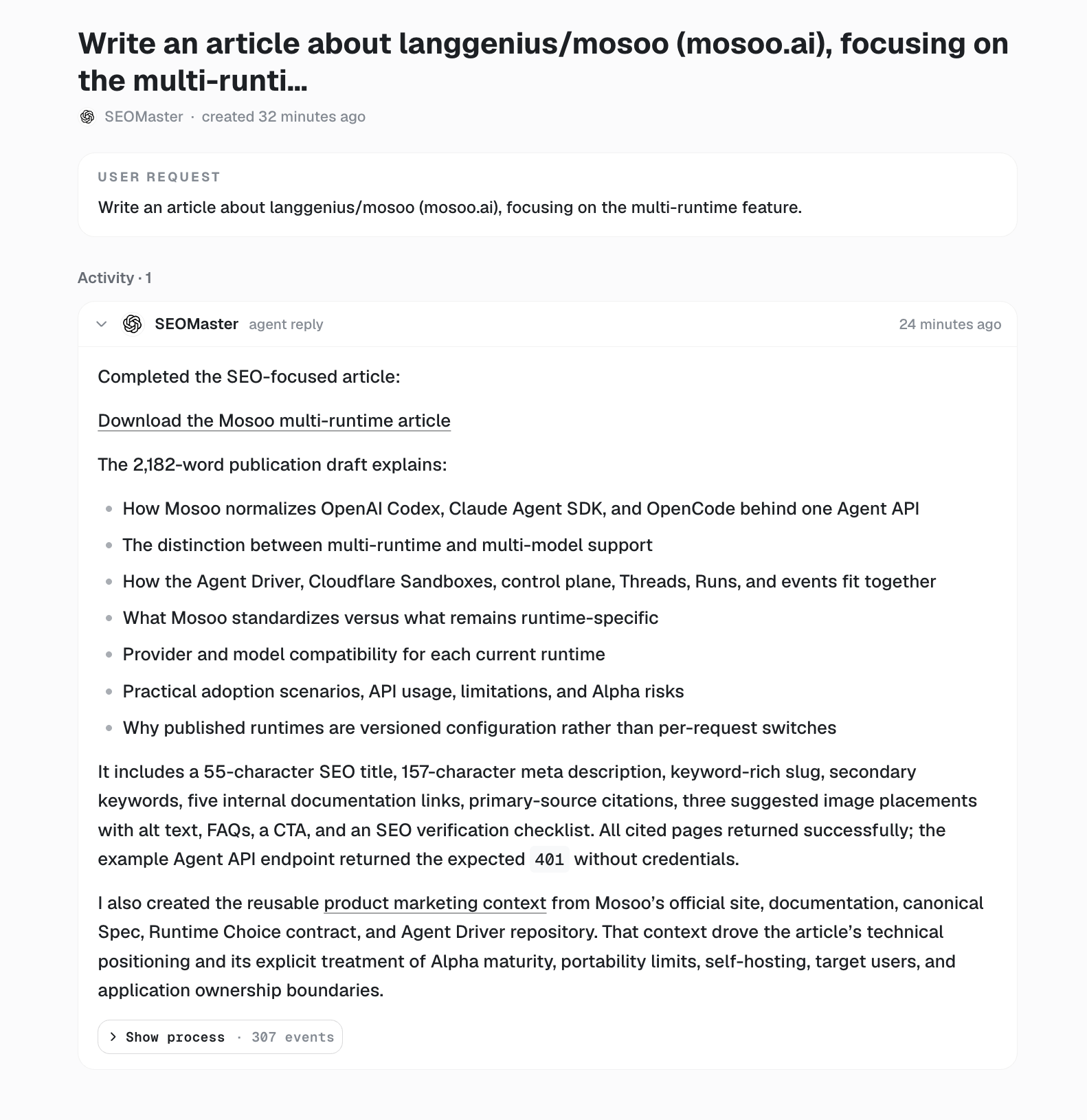
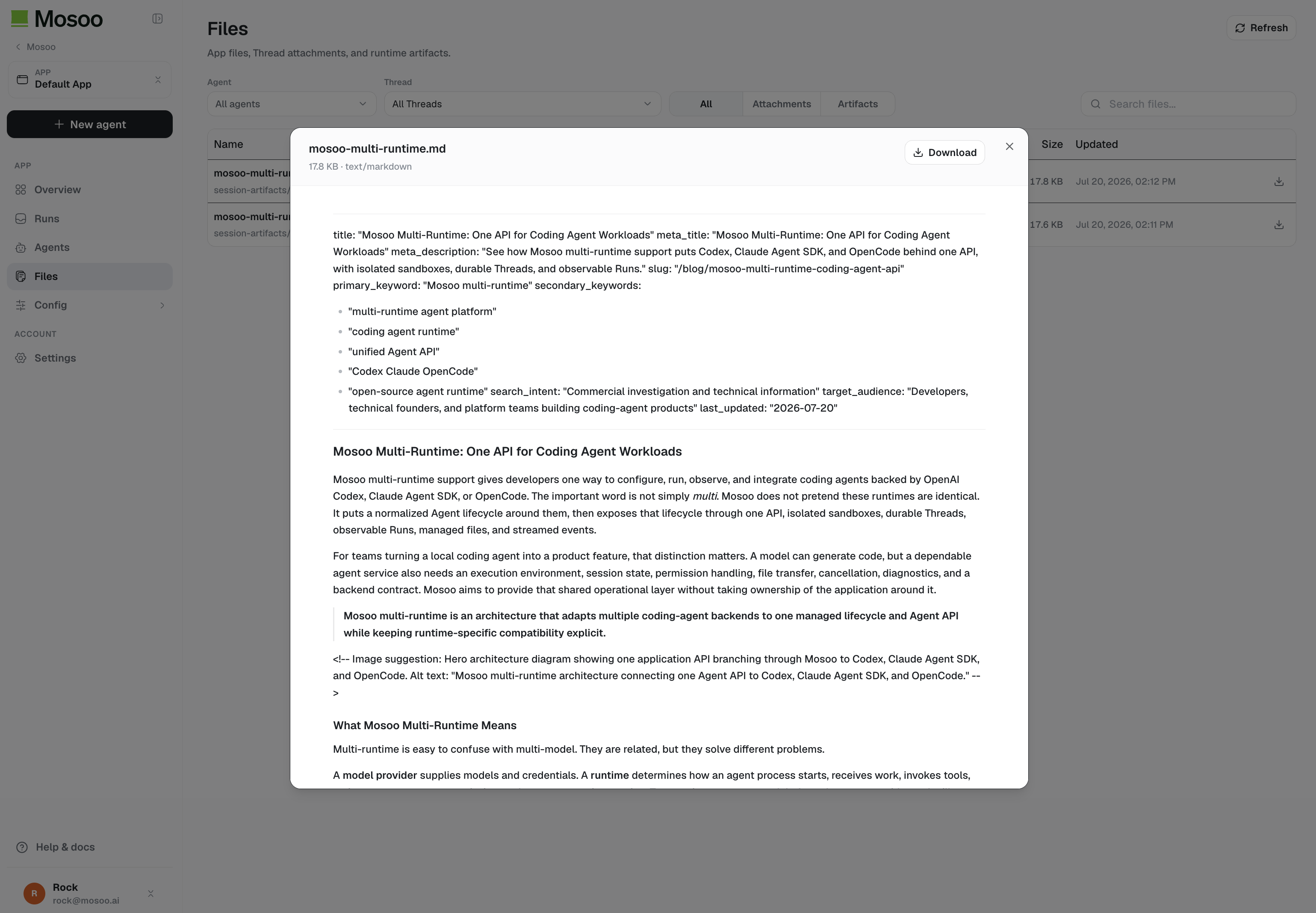
前往 Files 查看和下载刚刚 Agent 生成的文章原文件: